🎮 How to Play Skin Studio
- Pick a starter character — every one is a finished skin you can change
- Choose a body part (keys 1–6): the canvas unfolds it into six paintable faces
- Click or drag to paint, and watch the 3D model beside you repaint as you go
- Switch between the base skin and the outer layer with the Skin / Hat buttons or X
- Pencil B, eraser E, fill G, eyedropper I — fill stops at the edge of a face
- Turn on Mirror to paint both halves of a face at once for symmetrical faces
- Scroll, pinch or press + and − to zoom; hold Space or use two fingers to pan
- Name it and press Download PNG — you get a 64x64 file ready to upload
✨ Game Features
Live 3D Preview
Your character turns beside the canvas and repaints itself with every pixel you place
Paint Per Part
Head, body, arms and legs, each unfolded into six labelled faces instead of one baffling grid
Outer Layer
The second shell every part has — hair, hats, armour and jackets — paint it or hide it
Real PNG Export
Download a proper 64x64 skin file you can upload anywhere. No account, no watermark
ℹ️ About Skin Studio
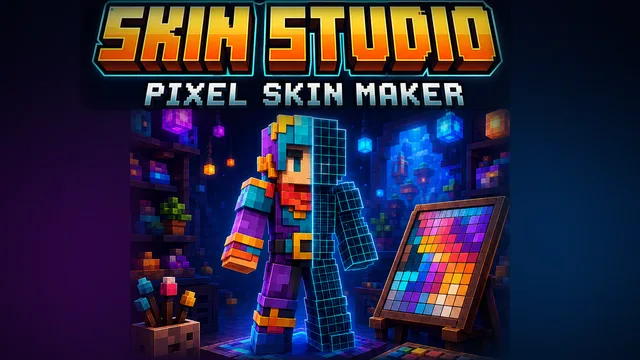
Skin Studio is a character skin creator that runs entirely in your browser: a pixel editor for the standard 64x64 blocky skin on one side, and a 3D model of your character turning beside it on the other, repainting itself as you work. You never face an empty grid — open one of seven starter characters and change whatever you want. The canvas shows one body part at a time, unfolded into the six faces you can actually paint, with front, back and sides labelled so you always know which side of the head you are looking at. Every part also has an outer layer, the slightly larger shell used for hair, hats, armour and jackets, and you can paint it or hide it with one tap. There is a pencil, a flood fill that stops at the edge of a face, an eyedropper, an eraser, a fifty-colour palette plus any custom colour you like, mirrored painting for symmetrical faces, and undo and redo the whole way back. It works with a mouse and it works with a finger — pinch to zoom, two fingers to pan. Your skin saves itself in this browser as you go, and when it looks right the download button hands you a real 64x64 PNG, ready to upload anywhere a character skin is accepted.
Difficulty: Easy — no pixel-art experience needed
Controls: Mouse or Touch
Play Skin Studio free in a modern web browser with no download or account. Keyboard, mouse, touch and gamepad support vary by title; the controls above describe this game’s current build.