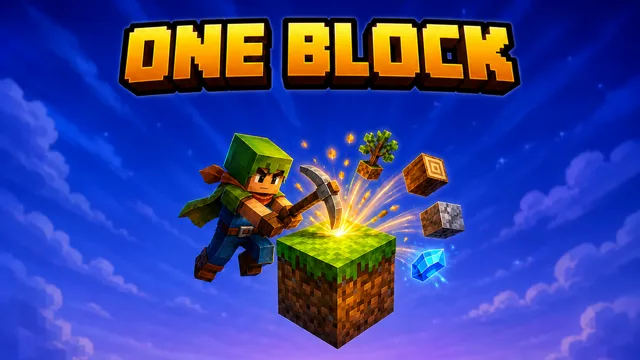
🎮 How to Play One Block
- Hold left-click on the block — it drops loot and regenerates instantly, so you never fall through
- WASD to move, mouse to look (click to capture the cursor), Space to jump
- Right-click to place blocks and widen your island outwards — falling into the void kills you
- Press E for inventory and crafting: planks, sticks, then a pickaxe to mine faster
- Craft a furnace to smelt iron ore into ingots and sand into glass
- Every block broken pushes you towards the next phase — seven in total
- From the Underground phase on, zombies, skeletons and creepers come out of the block
- Progress saves automatically; the leaderboard ranks you on total blocks broken
✨ Game Features
Endless Single Block
Break it and it comes straight back — the loop that made One Block the most played skyblock mode
Seven Loot Phases
Plains, Underground, Frozen, Ocean, Jungle, Nether and Skylands, each with its own drops
Mobs From The Block
Pigs and sheep early, then zombies, skeletons, creepers and the Zombie Brute
Build Over The Void
Full voxel crafting, furnaces, chests and farming — every block you place is island
ℹ️ About One Block
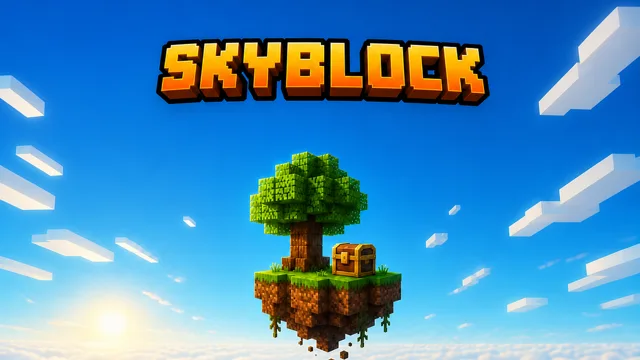
One Block drops you onto a single grass block floating in an empty sky. Break it and it regenerates instantly — but what it gives you changes as you go. The first thirty blocks are dirt, wood and farm animals; then the block turns to stone, coal and iron; then snow, sand, jungle timber, nether gold and TNT; and finally diamonds, armour and the Zombie Brute. Seven phases in all, each with its own loot table and its own mobs stepping out of the block at you. Everything you mine is building material, so the island you stand on is the one you made — and the void underneath never stops being a threat. Full first-person voxel survival underneath: crafting, tool tiers, furnaces, chests, farming, day and night. Your island, phase and block count save automatically in your browser.
Difficulty: Easy to learn, hard to survive
Controls: WASD + Mouse
Play One Block free in a modern web browser with no download or account. Keyboard, mouse, touch and gamepad support vary by title; the controls above describe this game’s current build.